On my first day working in Metaswitch support — which was, let’s say, more than 20 years ago — I had one of those moments where you realize this job might be more exciting than anticipated.
I was sitting at my desk, trying to look productive while secretly just absorbing the atmosphere, when I overheard my boss on a call with a customer. The customer had experienced a frustrating service outage the day before, and my boss was in full calm-the-client mode. I could only hear one side of the conversation, but he was doing an admirable job.
“Jim, I totally understand your frustration,” he said, with just the right balance of concern and confidence. “But I want to reassure you that these kinds of outages are incredibly rare…”
And then — like a punchline written by the network gods — the line went dead.
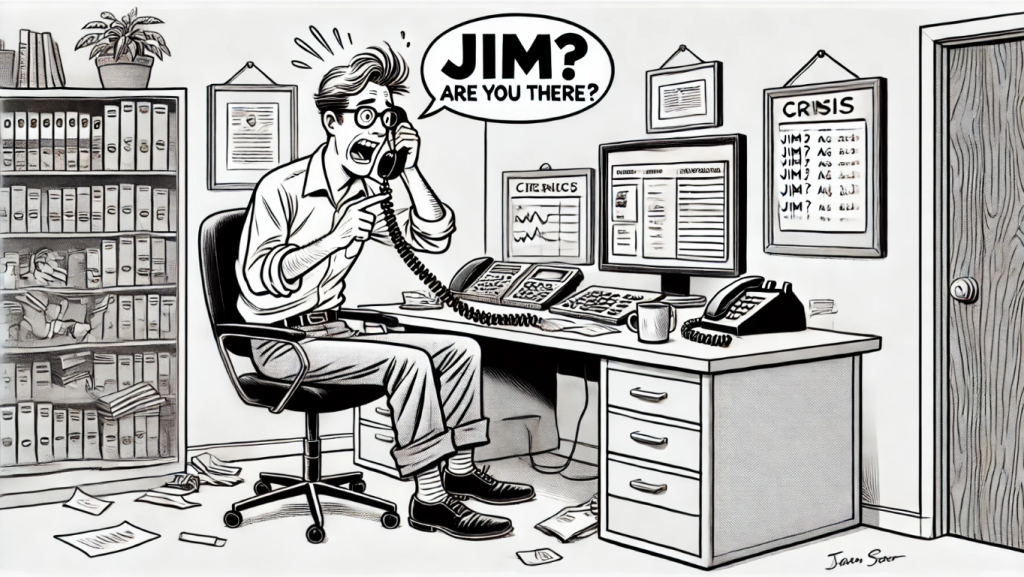
“Jim…? Jim? Are you there?”
Cue the frantic scrambling and dawning horror as it became clear that the system had just crashed. Again.
I can’t say I knew much on my first day, but even I understood the irony. And while moments like that are a bit more rare these days (thankfully), voice network issues still happen — and when they do, it helps to know how to tell the difference between them.
Let’s take a look at three common categories of voice issues, and how you might go about diagnosing and troubleshooting each one.
1. Software Bugs (a.k.a. “Jim? Jim??”)
Let’s start with the good news: true software bugs — the kind that bring down an entire softswitch or cause full-blown service outages — are incredibly rare these days. (No, really.)
Modern voice platforms tend to be stable and well-tested, and you’re very unlikely to encounter one, unless you’re trying out a new feature on a new release. If you stick to the core features, and don’t jump to the latest release too quickly, you should be fine.
2. Network Issues (congestion, echo, firewall oddities)
Voice calls are sensitive creatures. Even small amounts of jitter, latency, or packet loss can cause poor audio quality, dropped calls, or one-way audio. The most common culprits here include:
- Congestion on overloaded links
- Mismatched QoS settings (voice packets getting second-class treatment)
- Firewall/NAT issues, especially for SIP calls crossing network boundaries, or if someone has enabled the dreaded SIP ALG.
- Echo, which can occur naturally in TDM networks but becomes more noticeable when TDM is converted to VoIP.
Troubleshooting tip:
Start by identifying the scope of the problem — is it isolated to specific endpoints, locations, or times of day? Run packet captures or use MOS score tools to quantify the issue. If it’s intermittent, check for correlations with traffic spikes or maintenance events. And don’t overlook physical layer issues — a fiber cut upstream can lead to rerouted traffic and unexpected symptoms.
3. Configuration Issues
When troubleshooting a problem, we’ll often start by asking “When did this start happening?” quickly followed by “Did anyone change anything around that time?”. Problems don’t usually appear out of nowhere, but on a new turn-up or a recently-changed system, there’s a good chance that we can fix the problem by modifying the configuration. A misconfigured route, a missing SIP trunk setting, or a typo in a dial plan can all wreak havoc on your network — and unlike hardware failures, these issues don’t show up with a red blinking light.
Symptoms here might include:
- Calls failing to route
- Certain destinations unreachable
- Codec mismatches causing failed calls
- Interop issues with new carriers or equipment
Troubleshooting tip:
Reproduce the issue with a test call and gather SIP traces or logs from both ends. Walk through the call flow step-by-step — what’s the called number? How does the switch interpret that? Where does the call get routed, and what happens when it gets there? Often, a little patience and careful tracing can reveal a misconfiguration hiding in plain sight.
Final Thoughts
My first day in support, all those years ago, left a lasting impression — not just because it was funny (in retrospect), but because it reminded me how personal this work is. When voice service goes down, it’s not just data packets we’re losing — it’s conversations. People trying to do business, check on loved ones, or sort out their insurance.
So when things go wrong — whether it’s a rare software hiccup, a noisy network path, or a missing translation — it pays to approach troubleshooting methodically. Know your categories, know your tools, and remember that empathy and clear communication are just as important as technical skill.
And remember that the team at Award Consulting is here to help. Our core service is to be an extension of your team, who you can reach out to when you need a second set of eyes, or when a problem goes beyond your experience. Learn more about our support retainers or drop us a line if you’d like to learn more.
We promise that we won’t tempt fate by saying “this never happens” while we’re talking to you.
